Make sure the patient is in a comfortable position to point (support shoulders or elbow as needed).
Choose a printed letterboard or a keyboard on a tablet.
Virtual tablet keyboard – there are different kinds of keyboards, including the device keyboard. Do not use the mobile phone keyboard due to its small size. The ‘Let’s Talk’ (Bo Ledaber) app allows writing and playing the message aloud.
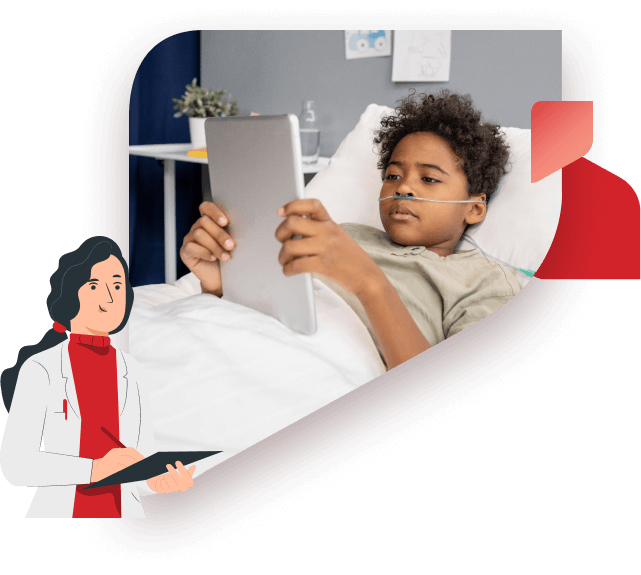
Note! Pressing a touch screen can be difficult for a patient lying in bed, especially when he is weak or is suffering from clouded consciousness. If typing problems arise, try writing on a board or pointing to a printed letterboard.
A printed letterboard can be a large letterboard arranged in columns or a board with smaller letters, accompanied by common messages. The available options are listed here
A Spelling Chart for Frequently Used Words, Alphabet Pointing Display with Frequently Used Words Organized according to Qwerty Arrangement, Spelling Charts to be Used with Pointing
If you chose a printed board, print it on a color printer and laminate it. The patient may need a board on a different size sheet. We recommend A4 and A3 sheets. Check what is suitable.
Place the board on a firm, stable surface in a position convenient
for the patient to point to.
Ask the patient to point to specific letters, one at a time.
(For instance: “Point to the letter d”).
Ask the patient to spell his name by pointing. Then ask him to spell the name of the street he lives on.
Each time he points to a letter, repeat the letter aloud, write it with a marker and ask for confirmation that you understood it correctly.

Pressing a touch screen can be difficult for a patient lying in bed, especially when he is they are weak or is suffering from clouded consciousness. If typing problems arise, try writing on a board or pointing to a printed letterboard.